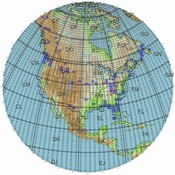
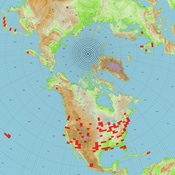
GcmWin is a program by SM3GSJ that plots grids on a map based on user input. The program can be downloaded at:
The latest version of GcmWin will allow you to save the configuration file. This makes it easy to create different views and then come back to them later to update your grids. Also new is a program that will allow you to extract grid locators from ADIF files or other files in which grid locators appear anywhere on a single line of text. Those who have a logging program that can output qso's to a text file that includes a grid locator can now easily extract their grid square list.
My sample configuration files
that you can download and modify:
(Right Click the Link and "Save Target As")
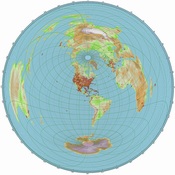
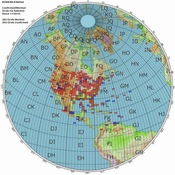
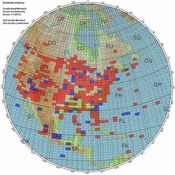
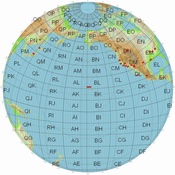
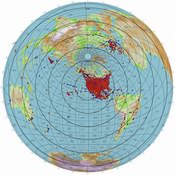
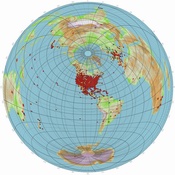
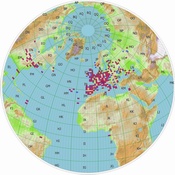
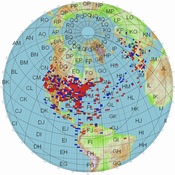
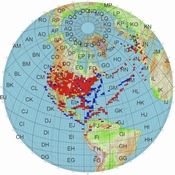
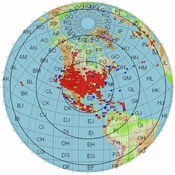
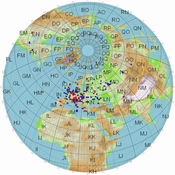
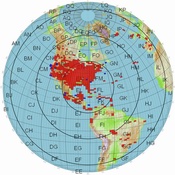
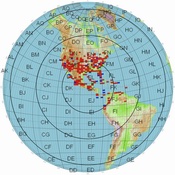
World Map 8200km with 2 digit locators: 8200km_world.ini
(change your home locator)
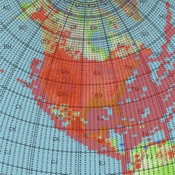
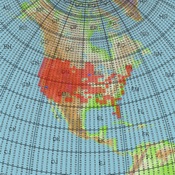
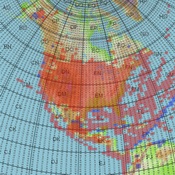
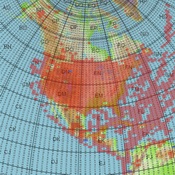
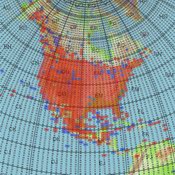
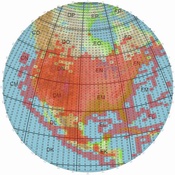
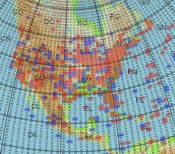
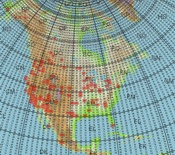
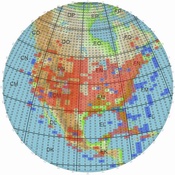
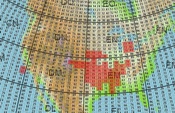
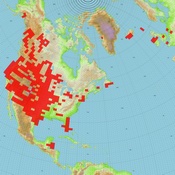
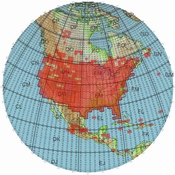
North America 3500km with 4 digit locators: 4200km_NA.ini
(centered on EM29AA)
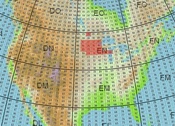
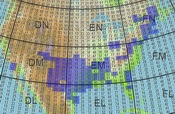
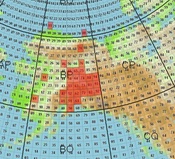
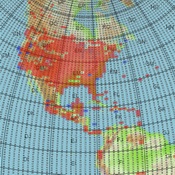
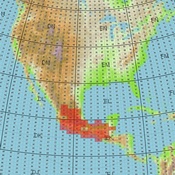
Mexico 2000KM with 4 digit locators: 2000km_mexico.ini
(centered on DL82)
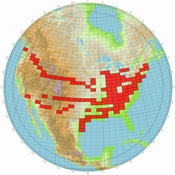
Create a list of your confirmed grids and another for your worked (but not confirmed) grids using notepad with one grid per line. Save it to the GcmWin directory with a .log extension. Launch GcmWin and select Options, then Properties, from the Toobar. Under the Settings tab, set the zoom to the appropriate distance (4200km for North America and 8200 for World) . For the US, try 4200KM; or if you work AO-7/FO-29 try 8200KM. Set the range circles at 2500KM if you choose the 8200KM zoom level. Anything over 7500KM on AO-7 is exceptional. Be sure to enter your grid location on the 8200km mapso that it is centered on your QTH. Don't do that for the North American map. Leave that one centered on EM29AA.
Under the Plot Squares Tab select the .log file you created and choose Red for the color for confirmed grids.. If you have another grid file for worked but not confirmed, select that file and specify a dark blue color. Be sure to check the boxes to have the grids plotted. You can do many things with the options so try some different configurations to see which works best for you. Once you have everything selected, clock on the globe and a plot will be created. Click the disk and save the file as a .jpg.
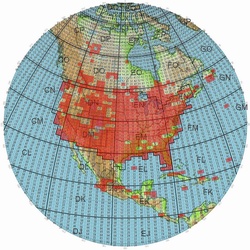
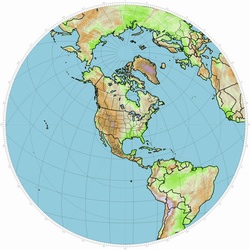
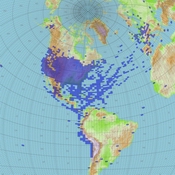
We want to keep the images created for the website consistent. Use red for confirmed and dark blue for those you have worked but have not confirmed. Create one map using the 4200km range if you only work the FM birds. Center that map on EM29AA. If you work the Linear Birds like AO-7 and FO-29, create another map with the 8200km range. Specifiy 2500KM circles on that map and center it on your QTH. 7900KM is the maximum range for AO-7 so this map will show you everything that can be worked on the current birds. If you have contacts on the earlier HEO birds you can create a map that will include those contacts over 8200km. KO4MA has such a map on the website. The .ini files above can make it easier for you to make the website maps.
You can avoid all the aggravation by simply sending me two text files, one with your confirmed grids and one that is WORKED BUT NOT CONFIRMED. Do not included confirmed grids in this file. I will then create the two files for the website and you will be able to download the .pdf files for your use. Sending your grid files to me may provide the basis to create wanted lists so others can easily see how many need a particular grid. If I get enough lists I'll do that.
Send the image you want on the website to my call at amsat.org. You can also just send your grid list to me in a text file and a map will be created from that.
BORDER FILES NOW AVAILABLE:
Steve N9IP and Martin N9EAT have created some "border files" which can be used with the GCM program. One of the files outlines the 488 lower USA 48 state grid boundary and the other The other contains borders. The files can be downloaded below. Steve recommends a line width of 3 and an alpha of 200 on the 488 grid file.. Go to the "Borders Tab" in the program and select the appropriate file.
Download (right click): PUSA488.pnt |
Download (right click): PAll_Borders.pnt |
.
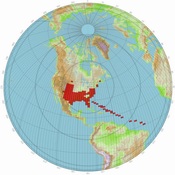
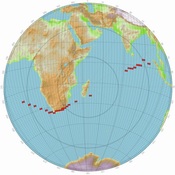
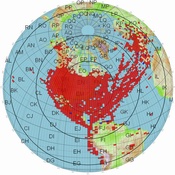
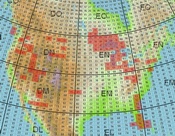
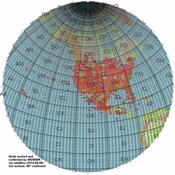
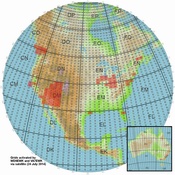
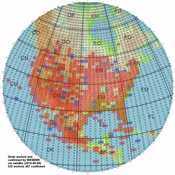
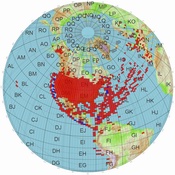
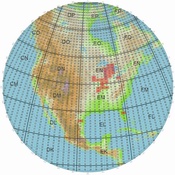
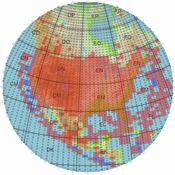
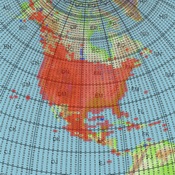
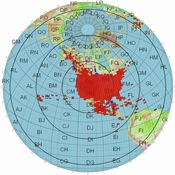
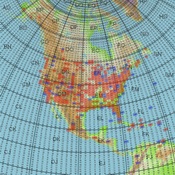
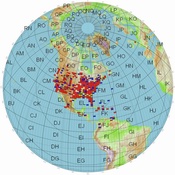
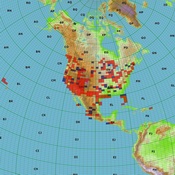
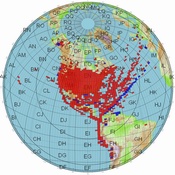
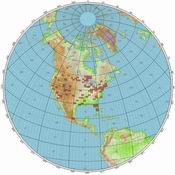
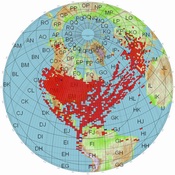
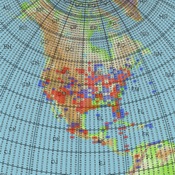
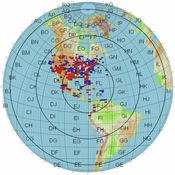
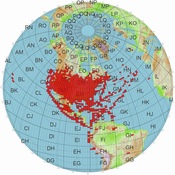
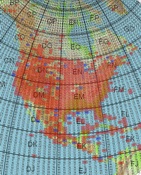
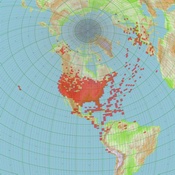
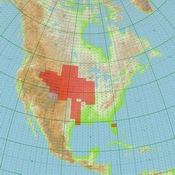
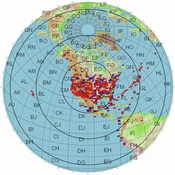
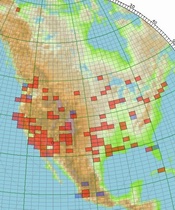
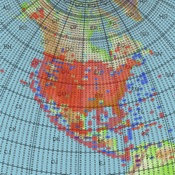
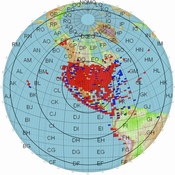
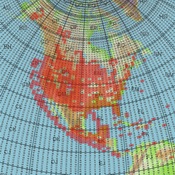
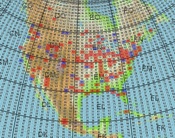
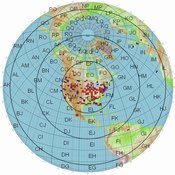
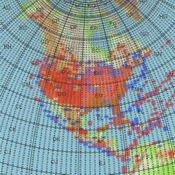
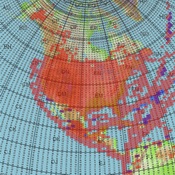
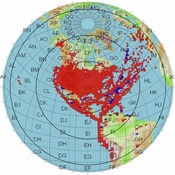
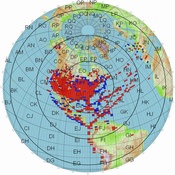
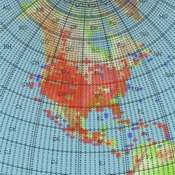
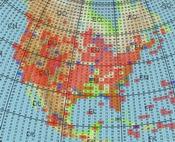
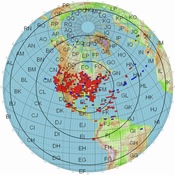
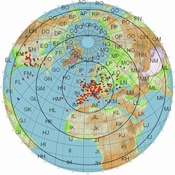
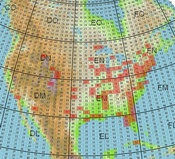
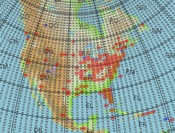
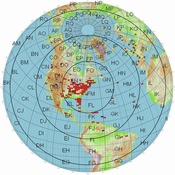
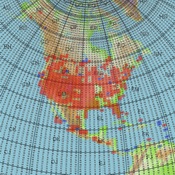
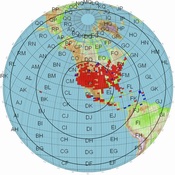
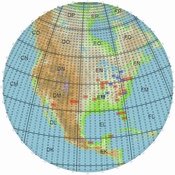
Click on an image to download an Adobe Acrobat file which can provide zoom and better detail.
N5AFV Confirmed 2/25/2012
|
N5AFV Rover 3/2010
|
K4T Dxpedition 03/2010
|
ND9M Rover Jan-March 2010
|
ND9M Rover Map 1
|
ND9M Rover Map 2
|
K8YSE Confirmed/Worked 10/8/2017 |
K8YSE Rover 10/1/2014
|
K8YSE North America 10/8/2017
|
KD4ZGW/M Rover
|
KO4MA Confirmed 8/4/2014
|
KO4MA World 2005
|
WD9EWK Worked/Confirmed |
WD9EWK Rover |
WD9EWK Worked/Confirmed |
KD8CAO Worked/Confirmed
|
KD8CAO Rover 10/08/2011
|
KD8CAO NA Worked/Confirmed |
|
WI7P/exN7SFI confirmed/worked North America 6/12/2018 |
WI7P/exN7SFI confirmed/worked World 6/12/2018 |
WI7P/exN7SFI Rover 6/12/2018
|
KC0YBM Rover 12/31/2011 |
KD8KSN Worked/Confirmed 8/3/2011 World |
KD8KSN Worked/Confirmed 8/3/2011 North America |
AA4QE worked/confirmed NA 5/11/2012 |
AA4QE worked/confirmed 5/11/2012 |
KI6YAA worked/confirmed 11/30/2010 |
WA4NVM World 8/24/2014 |
WA4NVM North America 8/24/2014 |
KB9RID Confirmed 01/08/2011 |
AA5UK/p Grids Worked from Hawaii |
KB1RVT (SK) worked/confirmed 1/7/2017 World |
KB1RVT (SK) worked/confirmed 1/7/2017 North America |
K6YK worked/confirmed 4/26/2011 |
K6YK worked/confirmed 4/26/2011 |
W5PFG/rover 12/25/2015 |
CO6CBF worked/confirmed 11/22/2011 |
CO6CBF worked/confirmed 11/22/2011 |
W5PFG confirmed World 11/27/2016 |
KK5DO 4/21/2012 |
KK5DO World 4/21/2012 |
W5PFG confirmed NA 11/27/2016 |
AC0RA 8/5/2014 |
AC0RA/Rover 8/5/2014
|
F6GLJ 12/27/2016
|
KB1PVH NA 8/4/2014 |
KB1PVH World 8/4/2014 |
WA7ETH NA 8/5/2014 |
N8HM NA 7/15/2015 |
N8HM World 7/15/2015 |
PD4KH 8/4/2014 |
W0DHB NA 8/8/2014 |
W0DHB World 8/8/2014 |
K7TEJ NA 8/9/2014 |
AA5PK NA 9/15/2015 |
AA5PK World 9/15/2015 |
K8YSE/7 NA 7/29/2017 |
NR0T NA 8/13/2014 |
NR0T World 8/13/2014 |
NX9B NA 08/13/2015 |
K4FEG NA 2/10/2017 |
K4FEG World 2/10/2017 |
NX9B World 8/13/2015 |
KG5CCI NA & World 1/29/2017 |
KG5CCI Rover 1/29/2017 |
KL7R Rover 11/09/2017 |
KE4KOL NA 10/19/2014 |
KE4KOL World 10/19/2014 |
PI4DHV/ON4AUC World 10/024/2016
|
VA3OR/VECRCN NA 3/22/2012 |
W2JV NA 08/03/2015
|
W2JV World 08/03/2015
|
NP4JV NA 11/6/2016 |
NP4JV World 11/6/2016
|
ES5TF 10/1/2016
|
AL6D Rover 3/8/2018 |
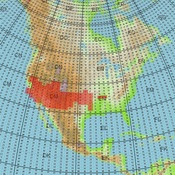
NJ4Y exKK4FEM NA 11/15//2017
|
NJ4Y exKK4FEM World 11/15/2017
|
XE3DX Rover 1/8/2017 |
XE3DX World 12/27/2016
|
N9IP NA /04/20/2018
|
WF7T 4/16/2017 |
W8LID(exAI6GS) Rover 11/15/2017
|
N9IP Rover 4/20/2018
|
|
|
AL6D Juneau 3/10/2018
|

 Back to the Satellite Main Page
rover)11152017_sm.jpg)